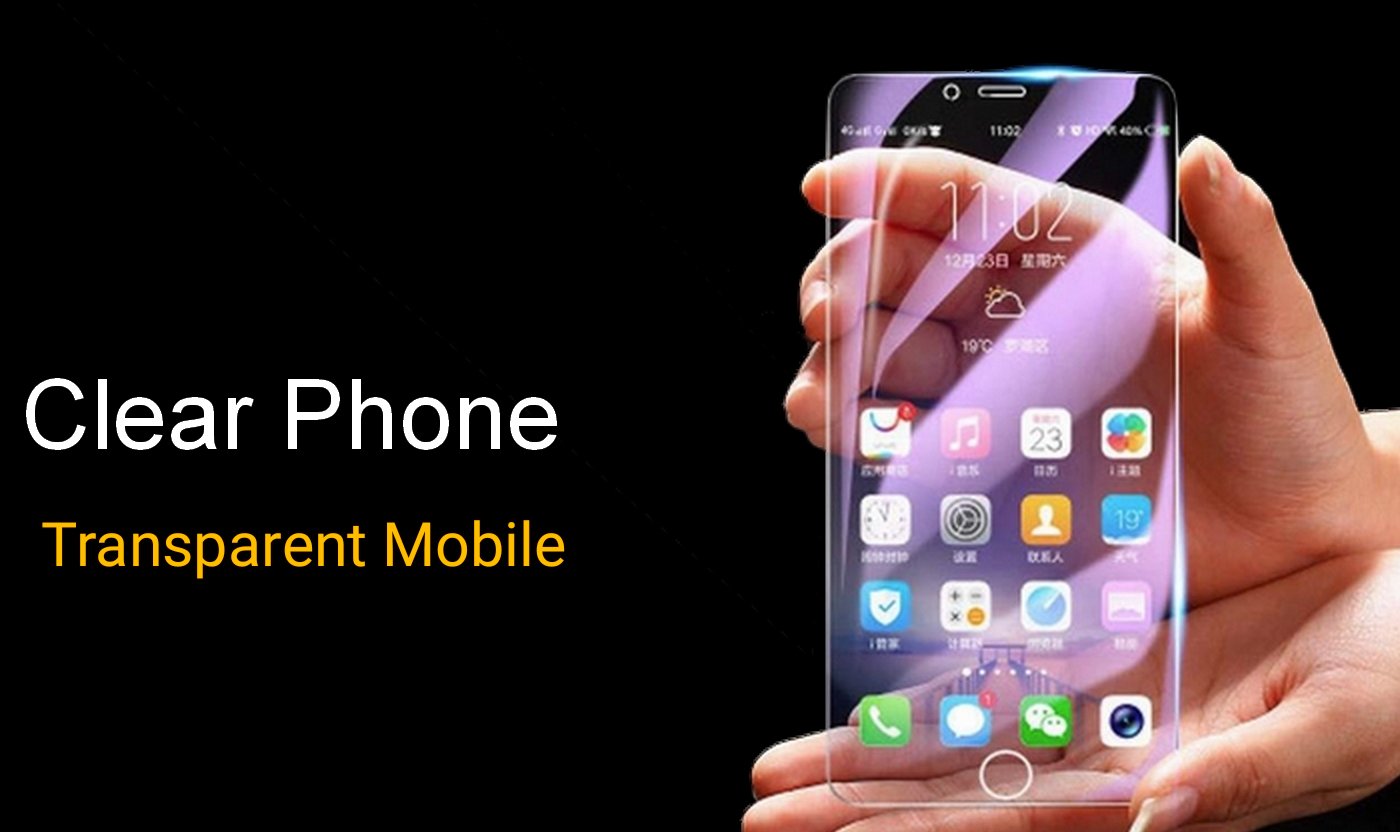
Android Mobile Transparent Screen
By Knowledge Kings
Smartphones today are more than just communication tools — they reflect our style and personality. Everyone wants their phone to look unique, stylish, and eye-catching. And one thing that makes a phone stand out is its wallpaper.
If you’re searching for a wallpaper that is truly different from the usual, then Transparent Live Wallpaper is the perfect app for you. This app uses your phone’s back camera to create a magical transparent effect on your screen!
What Is Transparent Live Wallpaper?
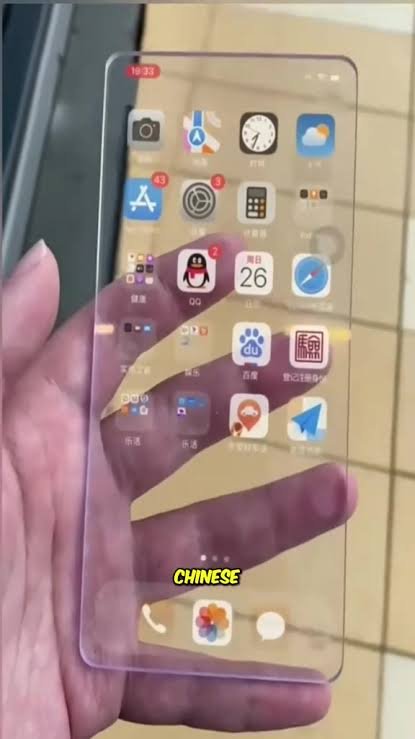
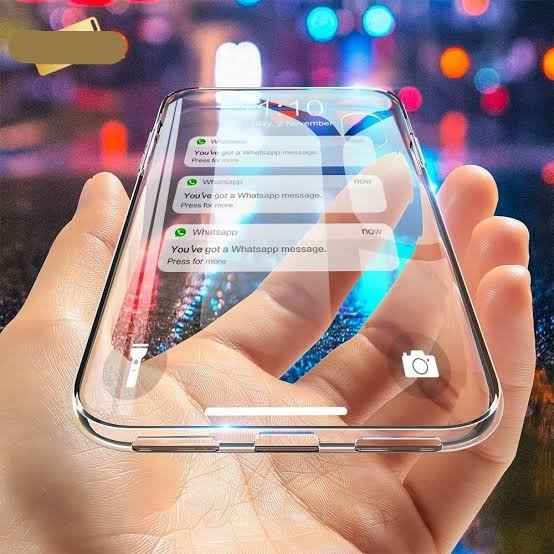
Transparent Live Wallpaper is an Android app that displays the real-time view captured by your phone’s back camera directly onto your home screen.
This creates the illusion that your phone’s display is completely transparent!
Not only is it visually impressive, but it also provides a fresh, dynamic experience every time you use your device.
How Does the App Work?
The app enables your phone’s rear camera and uses its live feed as your wallpaper background.
So while scrolling, reading messages, or opening apps, you will see:
- Your surroundings
- Your desk
- The road
- Walls
- Or whatever is behind your phone
Despite using live video, the app is optimized to consume very little battery and storage. The interface is user-friendly, making it easy for anyone to set up.
Special Features of Transparent Live Wallpaper
- Real-Time Background – Displays a live video feed from the rear camera.
- Lightweight App – Runs smoothly even on older phones.
- Battery Saving Mode – Live video with minimal power consumption.
- Customizable Settings – Adjust video quality, opacity, frame rate, and more.
- Multitasking Support – Live background continues even while using other apps.
- Dynamic & Cool Look – Creates a striking 3D-style transparent effect.
Why Should You Use Transparent Live Wallpaper?
- Perfect for users who want a modern and unique look.
- Unlike static wallpapers, the view constantly changes with real-time surroundings.
- Free to use with no complicated setup.
- Makes your phone look futuristic and impressive — people often say “Wow!” after seeing it.
You can even switch to the front camera if you prefer, though the back camera gives a more realistic transparent feel.
How to Use Transparent Live Wallpaper
Follow these simple steps:
- Download Transparent Live Wallpaper from the Google Play Store.
- Install and open the app.
- Tap on Set Transparent Wallpaper.
- Grant the required permissions (camera access, etc.).
- Press Apply — and your phone screen becomes transparent instantly!
Useful Tips for Best Experience
- Use Low Power Mode if your battery drains quickly.
- Video clarity depends on your phone’s camera performance.
- At night, turning on the phone’s flash enhances visibility.
User Experience and Reactions
Many users say the app makes their phone feel completely new. Some even report that friends are surprised and ask:
“How is your phone transparent?”
The effect is fun, surprising, and visually appealing — perfect for showing off your style.
Final Thoughts
Transparent Live Wallpaper is more than just a live wallpaper — it’s a new digital art experience. When the real world blends with your phone’s screen, it adds a unique aesthetic that no static wallpaper can match.
If you want your phone to look attractive, modern, and different from everyone else’s, install this app today and give your smartphone a fresh new life.
